
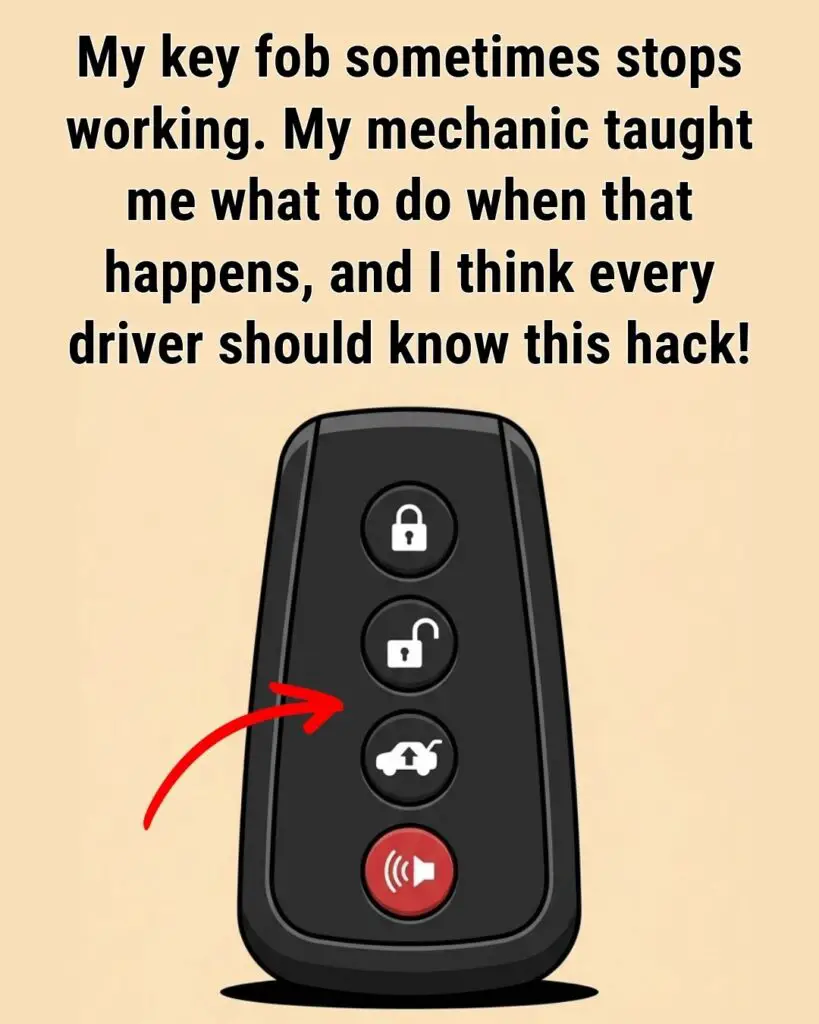
There’s nothing more frustrating than walking toward your car, pressing the unlock button on your key fob, and getting absolutely no response. No lights. No click. No reassuring beep. Just silence.
At first, panic usually sets in. You wonder if the battery is dead, if the car is broken, or if you’re about to spend hundreds of dollars at the dealership. Many drivers immediately assume the worst when their key fob suddenly stops working.
Fortunately, most key fob problems are surprisingly simple to fix.
Modern key fobs are incredibly convenient, but they’re still tiny electronic devices that depend on batteries, signal transmission, and delicate internal components. Like any piece of technology, small issues can interrupt their performance from time to time.
The good news is that many common problems can be solved in minutes using easy troubleshooting steps that don’t require special tools or expensive repairs.
Understanding how your key fob works — and knowing what to do when it fails — can save you stress, money, and time.
Why Key Fobs Sometimes Stop Working
A key fob communicates wirelessly with your vehicle using short-range radio signals. When you press a button, the fob sends a coded signal to your car’s receiver, which then performs actions like:
- Unlocking doors
- Locking doors
- Opening the trunk
- Activating the panic alarm
- Starting the engine remotely
If anything interrupts that communication, the fob may appear completely dead.
Common causes include:
- Weak battery
- Signal interference
- Physical damage
- Programming errors
- Water exposure
- Cold temperatures
- Worn buttons
- Car receiver issues
Fortunately, most problems start with the simplest culprit: the battery.
🔋 1. Replace the Battery First
If your key fob suddenly becomes unreliable or stops working entirely, the battery is usually the reason.
Most key fobs use small coin-style lithium batteries such as:
- CR2032
- CR2025
- CR2016
These batteries typically last between 2 and 4 years depending on usage.
Signs of a Weak Key Fob Battery
You may notice:
- Reduced operating range
- Buttons working inconsistently
- Delayed response
- Need to press buttons multiple times
- Complete failure
How to Replace the Battery
Most fobs open easily.
Step-by-step:
- Look for a seam along the edge of the fob.
- Use a small flathead screwdriver or coin to gently pry it open.
- Remove the old battery carefully.
- Insert the new battery with the correct side facing up.
- Snap the case back together.
Helpful Tip:
Take a picture before removing the battery so you remember the orientation.
Why This Works
Weak batteries often provide just enough power to partially function but not enough to send a strong signal consistently.
A fresh battery instantly restores normal performance in most cases.
📶 2. Signal Interference Can Block the Fob
Sometimes the key fob itself is perfectly fine.
The real problem is signal interference.
Key fobs rely on radio frequencies, and certain environments can temporarily block or weaken the signal.
Common Sources of Interference
These can interfere with communication:
- Smartphones
- Wi-Fi routers
- Bluetooth devices
- Metal objects
- Power lines
- Radio towers
- Parking garages
- Electronic payment systems
Easy Fixes to Try
Move Closer to the Vehicle
A weak signal may only work within a few feet.
Move Away From Electronics
Try stepping away from:
- laptops
- chargers
- large electronics
- crowded parking structures
Hold the Fob Near Your Head
Surprisingly, this old trick sometimes works.
Your body can slightly amplify the signal by acting as a conductor.
While it sounds strange, many drivers swear by it in emergencies.
🚗 3. Use the Hidden Emergency Key
Many drivers don’t realize their key fob contains a hidden mechanical key.
This backup feature exists specifically for situations when the electronics fail.
How to Find the Emergency Key
Most fobs have:
- a small release switch
- sliding latch
- hidden button
Press it and pull out the metal key.
What the Key Can Do
The emergency key can:
- unlock the driver’s door
- access the trunk
- provide entry during battery failure
Some vehicles also allow the engine to start even with a dead fob.
🔘 4. How to Start the Car With a Dead Key Fob
Modern push-to-start vehicles often include a backup starting method.
Even if the battery is dead, the car may still detect the key fob through a passive RFID chip.
Common Methods
Method 1: Touch the Start Button
Hold the key fob directly against the start button while pressing the brake.
Method 2: Use the Backup Slot
Some vehicles have a hidden slot for inserting the fob.
Check:
- center console
- armrest compartment
- dashboard area
Your owner’s manual usually explains this procedure.
🔄 5. Reprogramming the Key Fob
Sometimes replacing the battery temporarily disrupts communication between the fob and the vehicle.
In these cases, reprogramming may solve the issue.
Common Reprogramming Method
Although every manufacturer differs slightly, many vehicles use a process similar to:
- Sit inside the car.
- Close all doors.
- Insert key or hold fob near ignition.
- Press lock/unlock buttons in sequence.
- Wait for confirmation chime.
Important Reminder
Each brand uses different procedures:
- Toyota
- Ford
- Honda
- Nissan
- Chevrolet
- Hyundai
Check:
- owner’s manual
- dealership instructions
- manufacturer website
❄️ 6. Cold Weather Can Affect Batteries
Extreme cold weakens lithium batteries temporarily.
During winter, your key fob may suddenly:
- lose range
- respond slowly
- stop working intermittently
Quick Cold Weather Fix
Warm the fob:
- in your hands
- gloves
- coat
After a minute or two, it may function normally again.
💧 7. Water Damage Is More Common Than You Think
Key fobs are not fully waterproof.
Even small amounts of moisture can damage:
- internal circuits
- battery contacts
- button sensors
Common Water Damage Situations
Drivers often accidentally:
- wash fobs in laundry
- drop them in puddles
- spill drinks on them
- expose them to rain
What to Do Immediately
If the fob gets wet:
- Remove the battery immediately.
- Dry the fob carefully.
- Leave it open overnight.
- Avoid using heat dryers directly.
If corrosion develops, professional repair may be needed.
🛠️ 8. Check for Physical Damage
Key fobs experience constant wear.
Over time:
- buttons wear down
- contacts loosen
- plastic cracks
- internal solder joints fail
Warning Signs
Look for:
- cracked casing
- loose buttons
- sticky buttons
- missing rubber pads
- rattling sounds
Cleaning the Contacts
Sometimes dirt blocks electrical contact.
Use:
- rubbing alcohol
- cotton swab
- microfiber cloth
Clean gently around buttons and battery terminals.
🚨 9. When the Car Is Actually the Problem
Occasionally the issue isn’t the fob at all.
Your vehicle’s receiver system may be malfunctioning.
Possible Vehicle Problems
These include:
- faulty antenna
- blown fuse
- dead car battery
- damaged receiver module
- software errors
Signs It’s the Car
If:
- multiple fobs fail
- remote start stops working completely
- doors won’t respond manually
the vehicle itself may need inspection.
💰 How to Avoid Expensive Dealership Costs
Many drivers assume dealerships are the only solution.
Not always.
More Affordable Options
Consider:
- auto parts stores
- locksmiths
- mobile key services
- online replacement fobs
Many stores test key fobs for free.
Replacement batteries cost only a few dollars compared to expensive dealership appointments.
🔑 Smart Habits That Extend Key Fob Life
Simple habits can prevent future issues.
Helpful Tips
Keep a Spare Battery
Store one in:
- glove compartment
- purse
- toolbox
Avoid Dropping the Fob
Repeated impact damages internal circuits.
Protect It From Moisture
Avoid leaving it:
- near sinks
- in wet pockets
- exposed to rain
Don’t Overload Your Keychain
Heavy keychains stress ignition systems and fob components.
📱 Can Your Smartphone Interfere With the Fob?
Yes — sometimes.
Phones emit radio frequencies that may interfere with signal transmission when kept too close.
Try separating:
- phone
- smart watch
- charger
- wireless earbuds
from the key fob temporarily.
🚘 Why Modern Cars Depend So Much on Key Fobs
Today’s vehicles rely heavily on electronic security systems.
Key fobs now control:
- anti-theft systems
- immobilizers
- remote start
- alarm systems
- smart entry
This convenience improves security but also creates more electronic dependency.
That’s why understanding backup methods matters so much.
⚠️ Signs You May Need a Full Replacement
Sometimes repair isn’t practical.
You may need a new fob if:
- buttons stop responding completely
- internal circuits fail
- water damage is severe
- casing is heavily damaged
- programming repeatedly fails
Replacement costs vary widely depending on vehicle brand and security system.
❤️ Final Thoughts
A non-working key fob feels stressful in the moment, especially when you’re in a hurry, standing in bad weather, or stranded in a parking lot.
But in many cases, the solution is surprisingly simple.
Most failures come down to:
- weak batteries
- signal interference
- cold temperatures
- temporary communication issues
A few quick troubleshooting steps can often restore everything in minutes without expensive repairs.
Modern key fobs may seem mysterious, but they’re simply small electronic tools that occasionally need maintenance and care.
And sometimes, replacing a tiny battery is all it takes to turn a frustrating moment into a quick, easy fix.